AI Instagram carousel maker that starts from one idea.
Trender is an AI Instagram carousel maker: it turns an idea, a note or a piece of text into a designed carousel using ready-made design templates.
You bring the message. Trender writes the slides and handles the design, so you never start from a blank canvas.
Free plan: three generations, no credit card.
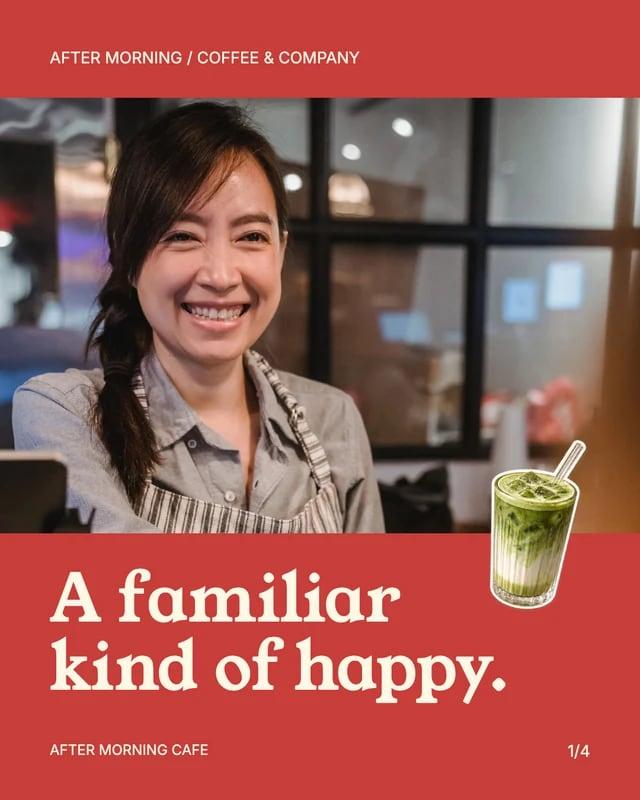
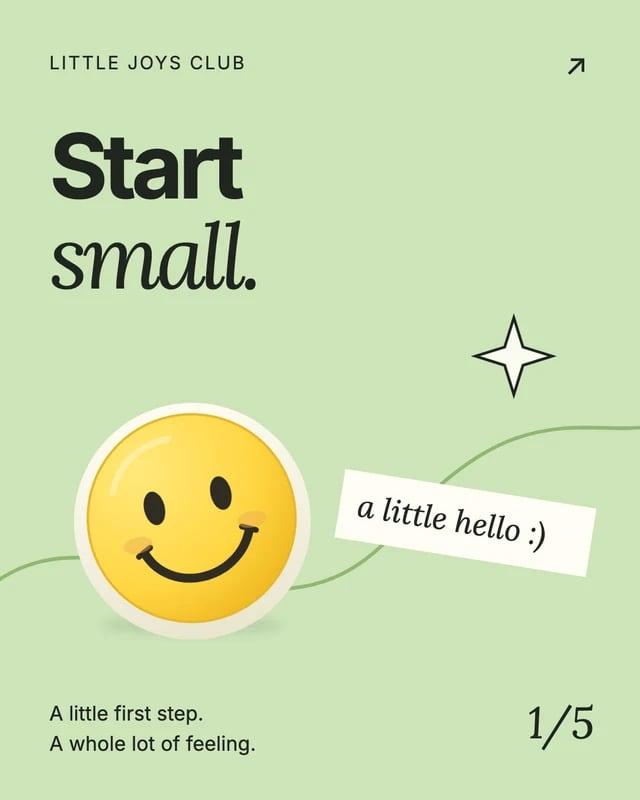


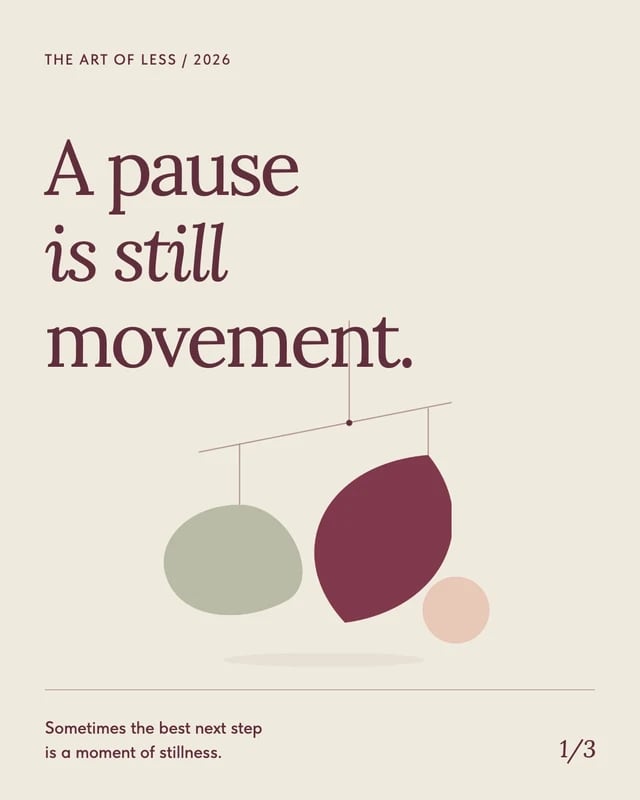
Find a look you love. Make it your own.
Quiet or bold. Personal or professional. Start with a design that feels like you.
8 designs. A different story in each.
Template previews. The set of templates in the web Workshop and the iPhone app can differ.
How it works
Type your idea
Describe your topic in one sentence, or paste a draft or a few bullet points. Trender builds the structure and the hook.
Get the slides written
One generation writes the carousel for you, 3 to 10 slides, along with a Reels script and posts for other platforms.
Design and export
Choose "Create a designed carousel" to open the slides in the editor. Pick a template, adjust the wording, export.
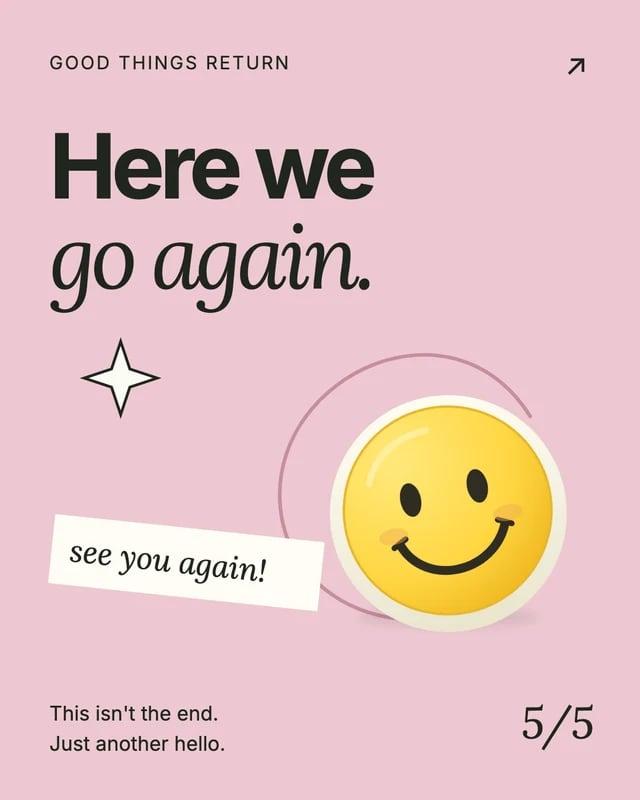
You bring the message. Trender does the slides.
You bring
- The message: an idea, a thesis, a rough note or finished text.
- Your judgment: check facts, tone and claims before you post.
Trender does
- Writes the slides and the hook from your idea.
- Puts them into a ready-made design template.
- Lets you edit every slide and export.
Who it suits
- Social media managers and boutique agencies creating content for clients.
- Creators, experts and personal brands turning their knowledge into content.
- Small marketing teams creating and adapting content across platforms.
Questions
What is Trender's Instagram carousel maker?
It is part of Trender, an AI-powered content research and creation tool. You bring an idea, a note or a text. Trender writes the slides and puts them into a ready-made design template.
What can I start from?
A topic in one sentence, a few bullet points, or a finished draft. If the text is already written, "Create a designed carousel" on the Workshop screen lays it out as slides. Competitor research is not required.
Can I start from an existing post?
Yes. Paste an Instagram Reel or TikTok link into the Workshop and generate. Trender does not copy the text: it adapts your message to the structure, hook and tone of that video, and the result includes a carousel. Trender also has competitor research, where you add competitors from your niche and explore their successful content.
Do I need design skills?
No. Trender provides ready-made design templates. You bring the message and Trender handles its visual presentation.
Is there a free plan?
Yes. The free plan gives you three generations, shared across all Workshop tools, with no credit card. Paid plans are listed on the Trender homepage.
How many slides can a carousel have?
From 3 to 10. You set the number before you generate.
Is it only for carousels?
No. Trender also writes Reels scripts and hooks and adapts content for different platforms. The carousel maker is one part of that workflow.
Is there an iPhone app?
Yes. Trender has an iPhone app with carousel templates and a teleprompter. Carousel creation is also available through MCP for automated workflows.
What do I need to start?
A Trender account. The free plan needs no credit card.
Trender gives you a draft to work from. Review it before you publish.